

Google Meet Video Conferencing Complete Guide 2026
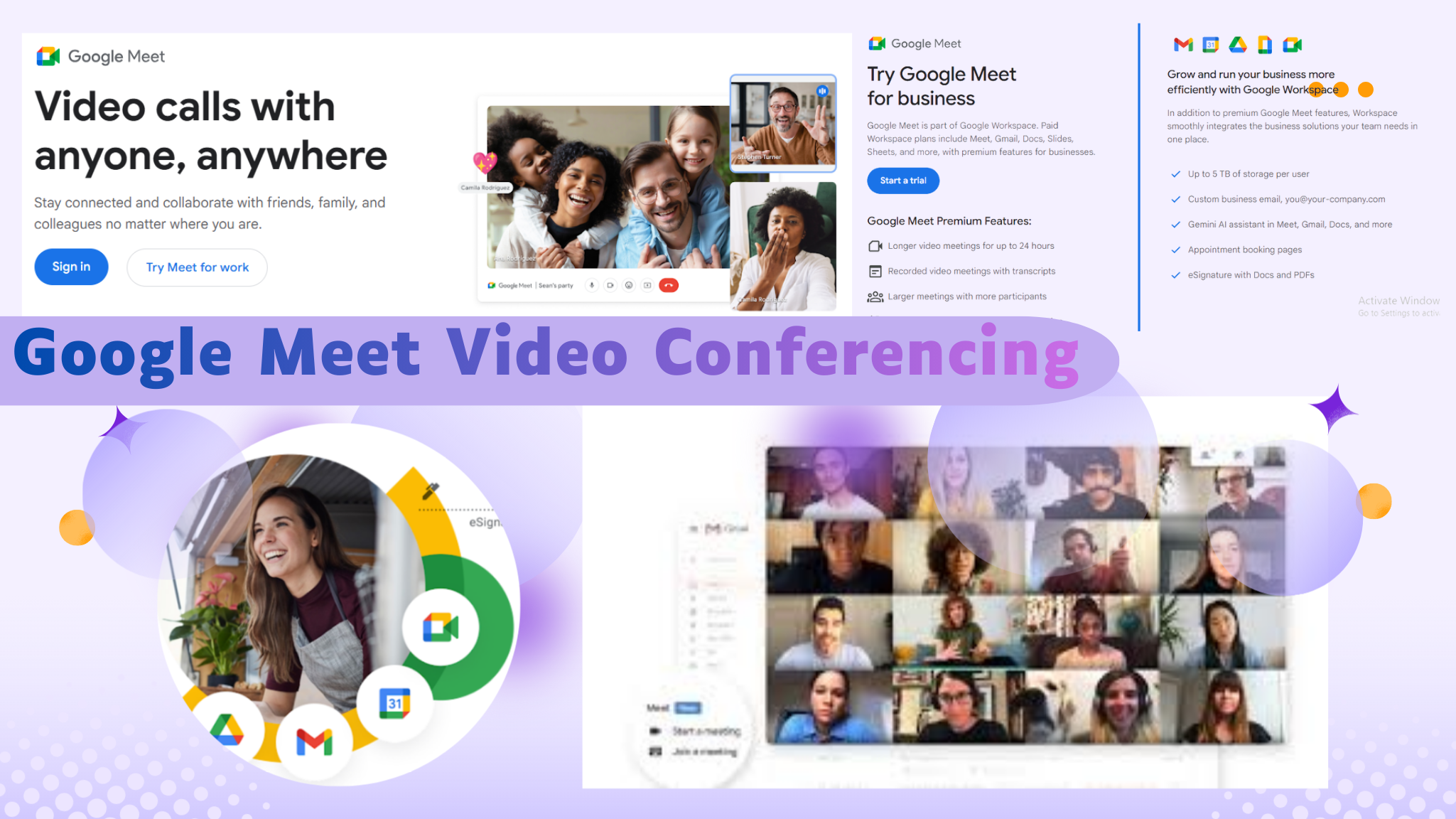
Google Meet Video Conferencing has become one of the most important communication tools in today’s digital world. Whether you work remotely, manage a business team, teach online classes, or collaborate with clients across different countries, understanding how Google Meet works can help you communicate more effectively, securely, and productively in a rapidly changing workplace.
Google Meet Video Conferencing Evolution, Technology, and Its Role in Modern Digital Collaboration
Introduction
The way people communicate has changed dramatically over the last decade. Not long ago, businesses relied heavily on phone calls, emails, and physical meetings. Today, a person can connect with colleagues, customers, students, or business partners anywhere in the world within seconds through a video call.
Among the platforms driving this transformation, Google Meet Video Conferencing has emerged as one of the most trusted and widely used solutions. What started as part of Google’s broader communication strategy has developed into a powerful platform that supports businesses, educational institutions, freelancers, government organizations, and remote teams.
The growth of hybrid work, remote employment, online education, and global business operations has created a strong demand for secure, reliable, and intelligent communication tools. Google Meet has responded to these demands by combining simplicity, performance, security, and artificial intelligence into a single platform.
This article explores the complete journey of Google Meet, its technology, AI capabilities, business applications, educational benefits, security architecture, future developments, and why it continues to play a significant role in modern digital collaboration.
The Evolution of Google Meet Video Conferencing
Google’s interest in digital communication did not begin with Google Meet. The company experimented with multiple communication platforms over the years, including Google Talk, Google Hangouts, and Google Duo.
While these products served different purposes, they helped Google understand how people communicate online. Hangouts focused on group messaging and meetings, while Duo prioritized simple mobile video calling.
As organizations increasingly demanded professional collaboration tools, Google recognized the need for a dedicated enterprise-grade meeting solution. This realization led to the development of Google Meet.
The platform was initially designed for business users within Google Workspace. However, as global demand for video communication surged, Google expanded Meet’s capabilities and accessibility.
The pandemic accelerated adoption worldwide. Companies suddenly needed remote communication solutions. Schools required virtual classrooms. Healthcare providers looked for secure communication channels. During this period, Google Meet proved capable of supporting millions of users simultaneously.
Today, it stands as one of the world’s leading video conferencing platforms.
Core Functionality and Communication Capabilities
Why Has Google Meet Become So Popular
Several factors contribute to Google Meet’s growing popularity.
First, it offers exceptional simplicity. Users can join meetings directly from a browser without installing complex software.
Second, it integrates naturally with existing Google services. Organizations already using Gmail, Google Calendar, Google Drive, and Google Docs can seamlessly incorporate meetings into their workflows.
Third, Google Meet provides strong security protections while maintaining ease of use.
Finally, the platform continuously introduces AI-powered innovations that improve productivity and user experience.
These strengths have allowed Google Meet to gain trust across industries and geographical regions.
Core Features That Drive Daily Collaboration
Modern communication platforms must do much more than facilitate video calls. Google Meet addresses this requirement by offering a wide range of collaborative features.
Users can schedule meetings, invite participants, share screens, record sessions, and communicate through high-definition video and audio streams.
The platform also supports large participant groups, making it suitable for executive meetings, training programs, webinars, and educational sessions.
Many organizations appreciate the ability to transition effortlessly between chat, document collaboration, and live video discussions within the Google ecosystem.
These capabilities help teams remain connected regardless of location.
How Does Google Meet Deliver High-Quality Video Calls
One of the reasons users consistently choose Google Meet is its focus on call quality.
Google has invested heavily in network optimization technologies that adapt to changing internet conditions. Instead of delivering a fixed-quality stream, the platform continuously adjusts video resolution and audio performance based on available bandwidth.
This intelligent adjustment helps maintain stable communication even when internet connections become unstable.
In practical terms, users experience fewer interruptions, reduced lag, and clearer communication during meetings.
This reliability becomes especially valuable for international teams and organizations operating across multiple regions.
AI Features That Are Changing Online Meetings
Artificial intelligence has become a defining characteristic of modern collaboration software.
Google Meet integrates numerous AI-powered features designed to make meetings more productive and inclusive.
One of the most appreciated features is live captioning. During conversations, speech is converted into text in real time. This helps participants follow discussions more easily, especially in noisy environments.
Real-time translation further enhances communication by helping multilingual teams collaborate effectively.
Noise cancellation uses machine learning algorithms to remove unwanted sounds such as keyboard typing, traffic noise, barking dogs, and background conversations.
Low-light enhancement improves video quality when lighting conditions are poor.
Virtual backgrounds provide privacy while allowing users to maintain a professional appearance.
These features reduce distractions and allow participants to focus on meaningful discussions.
How AI Is Improving Meeting Productivity
Artificial intelligence is gradually becoming a digital assistant rather than merely a technical feature.
Google continues developing technologies that automate repetitive tasks and improve information sharing.
Meeting summaries, smart note generation, contextual recommendations, and intelligent search capabilities are expected to play increasingly important roles in future versions of Google Meet.
Imagine attending a lengthy meeting and receiving an automatically generated summary highlighting decisions, action items, deadlines, and responsibilities.
This level of automation saves time and reduces the risk of missing critical information.
The future of collaboration is becoming increasingly intelligent.
Security and Privacy in Google Meet
Security remains one of the biggest concerns in digital communication.
Organizations frequently discuss confidential business plans, financial information, legal matters, and sensitive customer data during meetings.
Google Meet addresses these concerns through multiple layers of protection.
Data transmitted during meetings is encrypted. Access controls allow hosts to manage participants and permissions effectively.
Meeting organizers can control screen sharing, participant entry, recording privileges, and administrative settings.
These protections help maintain meeting integrity and reduce security risks.
For organizations operating in regulated industries, these safeguards provide additional confidence.
Why Businesses Trust Google Meet
Business leaders prioritize reliability, scalability, and compliance when selecting communication tools.
Google Meet delivers on all three fronts.
Its connection with Google Workspace allows organizations to centralize communication and collaboration within a familiar ecosystem.
Businesses can schedule meetings directly through Google Calendar, share documents through Google Drive, and collaborate on files through Google Docs while conducting discussions in Meet.
This unified experience improves efficiency and reduces workflow fragmentation.
Many organizations view Google Meet not simply as a meeting application but as a critical business infrastructure component.
Google Meet in Remote Work Environments
Remote work has fundamentally changed how teams operate.
Employees are no longer limited by geographical location. Companies can recruit talent from virtually anywhere in the world.
Google Meet helps support this transformation by providing reliable communication regardless of physical distance.
Daily stand-up meetings, project reviews, client presentations, brainstorming sessions, and team-building activities can all occur through the platform.
The result is improved communication continuity and stronger team alignment.
Many remote-first companies rely heavily on Google Meet as their primary communication channel.
How Does Google Meet Support Education
Educational institutions have embraced video conferencing technologies for numerous reasons.
Students can attend lectures remotely. Teachers can conduct interactive lessons. Schools can maintain learning continuity during disruptions.
Google Meet provides an accessible platform for virtual education.
Teachers can share presentations, demonstrate concepts through screen sharing, record lessons for later viewing, and communicate with students in real time.
Live captions improve accessibility for students with hearing challenges.
Meeting recordings allow learners to revisit lessons whenever needed.
These features support more flexible and inclusive learning experiences.
Cross-Platform Accessibility and Device Compatibility
Accessibility significantly influences platform adoption.
Google Meet functions across desktops, laptops, tablets, smartphones, conference room systems, and smart displays.
Android and iOS applications ensure users can join meetings from virtually anywhere.
Browser-based access removes software installation barriers.
This flexibility enables organizations to maintain communication continuity regardless of device preferences.
Whether someone joins from a corporate boardroom or a mobile phone during travel, the experience remains consistent.
The Technology Behind Google Meet
Although users experience a simple interface, the technology powering Google Meet is highly sophisticated.
The platform utilizes WebRTC technology to facilitate real-time communication through web browsers.
Advanced codecs including VP8, VP9, AV1, Opus, and Lyra optimize media transmission.
These technologies reduce bandwidth consumption while maintaining audio and video quality.
Google also employs advanced network protocols that minimize latency and improve reliability.
The result is a smooth communication experience even under challenging network conditions.
Google Meet vs Zoom Which Platform Is Better
Comparisons between Google Meet and Zoom remain common.
Both platforms offer strong communication capabilities and extensive feature sets.
Zoom became widely recognized due to its rapid adoption during global lockdowns. Google Meet, however, benefits from deeper integration with Google Workspace and browser-native accessibility.
Organizations already invested in Google’s ecosystem often prefer Meet because it simplifies administration and collaboration.
Ultimately, the better choice depends on organizational requirements, existing technology investments, and workflow preferences.
Both platforms remain industry leaders.
Enterprise Use Cases Across Industries
Google Meet serves organizations across numerous sectors.
Technology companies use it for software development discussions and project management.
Healthcare providers conduct consultations and internal meetings.
Educational institutions deliver virtual learning experiences.
Financial organizations facilitate secure client communication.
Government agencies support interdepartmental collaboration.
Manufacturing companies coordinate operations across facilities.
The platform’s flexibility enables adaptation to diverse operational needs.
The Future of Google Meet Video Conferencing
The future of communication technology is increasingly intelligent, automated, and personalized.
Google’s investment in artificial intelligence suggests continued innovation within Google Meet.
Future enhancements may include advanced meeting analytics, deeper workflow automation, improved translation accuracy, and more sophisticated virtual collaboration experiences.
AI assistants could help schedule meetings, summarize discussions, identify action items, and provide contextual insights automatically.
As remote and hybrid work continue evolving, these capabilities will become increasingly valuable.
Organizations seeking long-term communication solutions will likely benefit from these innovations.
Challenges Facing Modern Video Conferencing Platforms
Despite impressive technological progress, challenges remain.
Meeting fatigue continues affecting employees across industries.
Organizations must learn to balance digital communication with focused work time.
User expectations continue increasing as technology advances.
Competition among collaboration platforms remains intense.
Providers must innovate continuously while preserving simplicity and usability.
Google Meet’s ability to address these challenges will influence its long-term success.
Why Google Meet Matters in Modern Digital Collaboration
The significance of Google Meet extends beyond video calls.
It enables organizations to operate globally, supports educational accessibility, facilitates remote employment, and strengthens business continuity.
Communication is no longer limited by location or time zones.
By combining security, scalability, artificial intelligence, and integration capabilities, Google Meet helps organizations adapt to modern workplace demands.
Its role in digital transformation continues expanding as collaboration becomes increasingly virtual.
Conclusion
Digital collaboration has become a defining characteristic of modern work and education, and Google Meet Video Conferencing stands at the center of this transformation. Its journey from a simple communication tool to a sophisticated AI-driven collaboration platform demonstrates how technology can remove barriers between people, teams, and organizations.
What makes Google Meet particularly valuable is its ability to combine ease of use, enterprise-grade security, intelligent automation, and seamless integration with everyday productivity tools. Whether supporting remote employees, virtual classrooms, international business meetings, or hybrid workplaces, the platform continues to provide reliable communication experiences that adapt to changing user needs.
As artificial intelligence becomes more deeply integrated into workplace technology, Google Meet is positioned to play an even greater role in improving productivity, accessibility, and decision-making. For businesses, educators, and professionals seeking a scalable communication solution, Google Meet remains one of the strongest choices available today.
This comprehensive analysis is exclusively presented by worldstan.com to help readers understand not only how Google Meet works today but also why it will continue shaping the future of digital collaboration.